
Free, Self-Hosted Video Conferencing
Your server. Your data. No cloud. No subscription.
◆
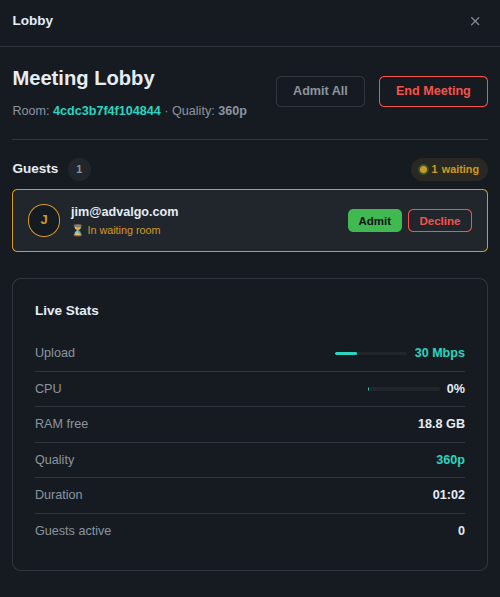
Host-controlled waiting room — admit or decline guests individually
◆
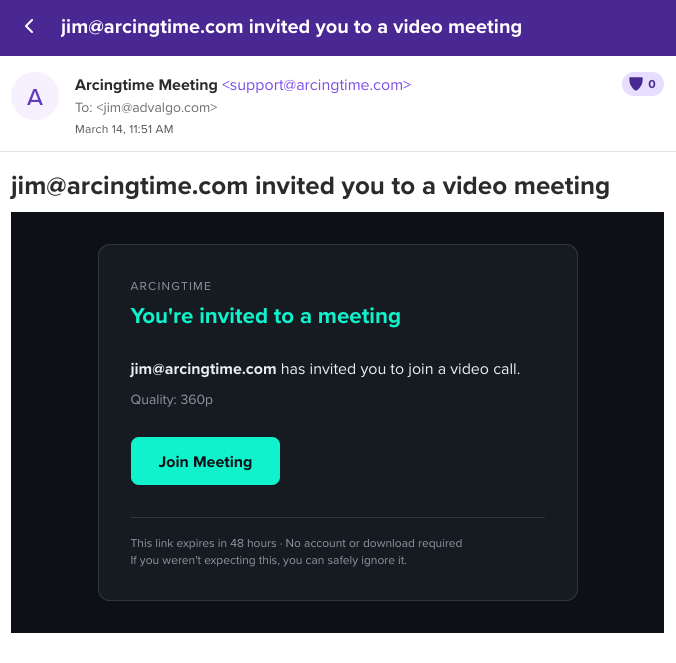
Encrypted invite links that expire in 48 hours
◆
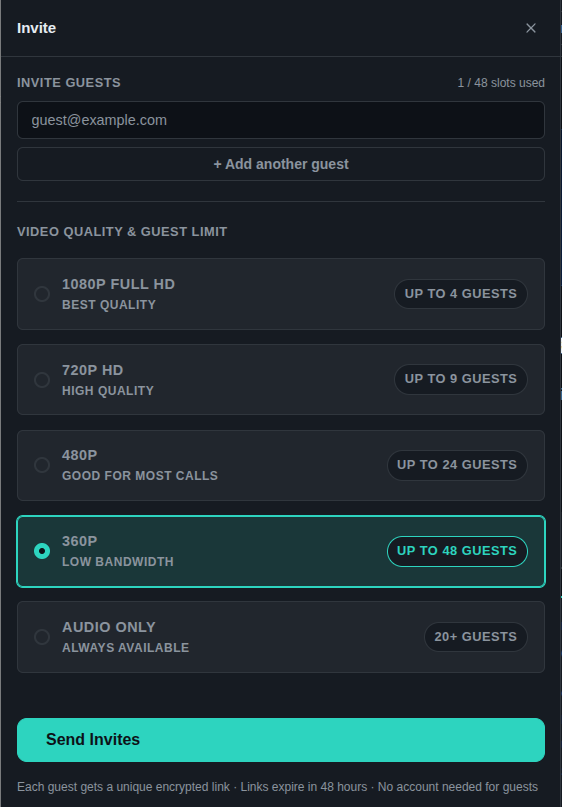
Automatic quality selection based on your server's bandwidth and CPU
◆
Audio-only fallback — always available regardless of hardware
◆
No tracking, no cloud dependency, no subscription fees
◆
No account or download required for guests — just a link
- How do I add a persistent in-meeting text chat sidebar to a Django + LiveKit video app?
- Write a Django Channels consumer that tracks which participants are currently speaking using LiveKit events.
- How can I implement meeting recording and local download in a self-hosted LiveKit application?
- Design a screen-sharing toggle for a LiveKit room using the JavaScript LiveKit SDK.
- How do I add role-based permissions (host vs. guest) to a LiveKit room managed by a Django backend?
✔
Rocky Linux ≥ 9.7 — Recommended
RHEL-based, enterprise-grade, SELinux enforcing by default. This is the platform the application is developed and tested on.
✔
AlmaLinux ≥ 9 — Compatible
RHEL-based alternative to Rocky Linux.
⚠
Debian — Untested
Originally built for desktop end users, not enterprise servers. Not tested with this application.
⚠
Ubuntu — Untested
Debian-based. Same caveats apply — not tested with this application.
- Walk me through a fresh Rocky Linux 9 minimal install checklist for hosting a Django + LiveKit application.
- How do I configure a systemd service unit to run Daphne (Django ASGI) on Rocky Linux 9?
- What SELinux file context labels are required to serve Django static files from a custom path via Apache on Rocky Linux?
- How do I set up automatic OS security updates on Rocky Linux 9 without breaking application packages?
- What dnf packages are needed to install Python 3.12, MariaDB 10.11, and Redis on Rocky Linux 9?
◆
Static IP Address
Your server must have a static public IP so guests can reliably reach it.
Dynamic IPs will cause connection failures without a DDNS service. Most ISP providers
can assign you a static IP to your home. With this and a domain you can add a host record
to point to your meetings server (ie. https://meetings.yourdomain.com )
◆
Registered Domain with SSL Certificate
A domain with a valid SSL certificate is required. A subdomain is recommended —
meetings.yourdomain.com
— for clean isolation and easy install.
◆
Static VPN — Alternative to a Native Static IP
If your ISP cannot provide a static IP, a dedicated-IP VPN add-on (such as PureVPN — the only provider we've confirmed offers this for self-hosted servers) is a viable alternative.
The firewall, router, and LiveKit
node_ip must all be configured specifically for the VPN interface.
⚠
Without These — Browsers Will Block the Call
Camera and microphone access requires HTTPS. Without a valid domain and SSL,
guests will receive browser security denials and cannot join video calls.
- How do I use Certbot with Apache on Rocky Linux 9 to issue and auto-renew a Let's Encrypt SSL cert for a subdomain?
- What DNS records (A, CNAME, TXT) do I need to point meetings.example.com to my home server's static IP?
- How do I configure NetworkManager on Rocky Linux 9 to assign a static IP address to my ethernet interface?
- Explain how to set up a dedicated-IP VPN on a self-hosted server so LiveKit can bind to it as its public node_ip.
Router Port Forwarding
Home & Office only — not required for CO-LO
| Port | Protocol | Service |
|---|---|---|
| 80 | TCP | HTTP (Let's Encrypt / certbot) |
| 443 | TCP | HTTPS |
| 7880 | TCP | LiveKit WebSocket (signaling) |
| 7881 | TCP | LiveKit TCP fallback |
| 50000 | UDP | LiveKit media (RTP/RTCP) |
firewalld
Rocky Linux / RHEL — Recommended
firewall-cmd --permanent --add-port=80/tcp
firewall-cmd --permanent --add-port=443/tcp
firewall-cmd --permanent --add-port=7880/tcp
firewall-cmd --permanent --add-port=7881/tcp
firewall-cmd --permanent --add-port=50000/udp
firewall-cmd --reload
UFW
Debian / Ubuntu
ufw allow 80/tcp && ufw allow 443/tcp && ufw allow 7880/tcp && ufw allow 7881/tcp && ufw allow 50000/udp && ufw enable
iptables
Manual / Legacy
iptables -A INPUT -p tcp -m multiport --dports 80,443,7880,7881 -j ACCEPT
iptables -A INPUT -p udp --dport 50000 -j ACCEPT
iptables-save > /etc/iptables/rules.v4
SELinux Rocky Linux / RHEL only
SELinux is enforcing by default. These steps are required or the application will be blocked at the network level.
semanage port -a -t http_port_t -p tcp 7880
semanage port -a -t http_port_t -p tcp 7881
setsebool -P httpd_can_network_connect 1
setsebool -P httpd_can_network_connect_db 1
⚠ Do not use
setenforce 0 in production — fix the labels and booleans instead.- Write the exact firewall-cmd commands to open ports 80, 443, 7880, 7881 (TCP) and 50000 (UDP) permanently on Rocky Linux 9.
- How do I configure SELinux to allow Apache to proxy WebSocket connections to a local Daphne process?
- What router port-forwarding rules do I need on a home network to expose a self-hosted LiveKit server?
- How do I use audit2allow to diagnose and fix SELinux AVC denials in a Django + Apache + LiveKit setup?
- How do I verify that the httpd_can_network_connect SELinux boolean is permanently enabled after a reboot?
Level 1
Minimum
CPU4 cores
RAM8 GB
Upload25 Mbps
Storage128 GB SSD
1080p Full HD4 guests
720p HD6 guests
480p12 guests
360p21 guests
Audio only64 guests
Level 2
Medium
CPU8 cores
RAM16 GB
Upload100 Mbps
Storage256 GB SSD
1080p Full HD8 guests
720p HD12 guests
480p25 guests
360p42 guests
Audio only128 guests
Level 3
Optimal
CPU16 cores
RAM32 GB
Upload300 Mbps
Storage512 GB SSD
1080p Full HD17 guests
720p HD25 guests
480p51 guests
360p85 guests
Audio only256 guests
Estimated by Claude Sonnet 4.6 using built-in bandwidth & CPU models · Live tests pending
- How many concurrent 1080p streams can a 16-core, 32 GB RAM server handle with LiveKit as the SFU?
- What upload bandwidth is needed per participant at 720p, and how do I calculate total bandwidth for 20 guests?
- Recommend SSD sizing for a self-hosted Django + MariaDB + Redis + LiveKit server running 24/7.
- How does LiveKit's SFU reduce CPU load compared to mesh WebRTC, and what are the per-stream CPU costs?
- Walk me through configuring Django Channels with a Redis channel layer and Daphne behind Apache mod_proxy.
- How do I write an Apache VirtualHost config with mod_proxy_wstunnel for both HTTPS and WebSocket traffic to Daphne?
- What is the recommended LiveKit server config structure for a self-hosted install with a custom node_ip?
- How do I create and secure a MariaDB database and user for a Django app on Rocky Linux 9?
- How do I configure Redis as a persistent, password-protected service on Rocky Linux 9 for Django Channels?
Getting Started
Everything you need before and after running the installer — in order.
1
Provision your server OS tabHardware tab
Rocky Linux 9 on bare metal, a VPS, or a CO-LO box. Minimum 4 cores / 8 GB RAM / 25 Mbps upload. A static public IP is required — see the Network & Domain tab if your ISP won't provide one.
2
Configure your domain & SSL Network & Domain tab
Point a subdomain A record at your static IP. Then use Certbot to issue a Let's Encrypt certificate. Camera and microphone access will be blocked without HTTPS.
sudo dnf install certbot python3-certbot-apache -y
sudo certbot --apache -d meetings.yourdomain.com
3
Open your firewall & router Router & Firewall tab
Forward ports 80, 443, 7880, 7881 (TCP) and 50000 (UDP) on your router if on a home or office network. Then open them in firewalld.
firewall-cmd --permanent --add-port=80/tcp --add-port=443/tcp \
  --add-port=7880/tcp --add-port=7881/tcp --add-port=50000/udp
firewall-cmd --reload
4
Clone the repository
Clone from GitLab and enter the project directory.
git clone https://gitlab.com/arcingtime/django/meetings
cd meetings
5
Run the installer
The installer sets up the Python virtual environment, downloads the LiveKit server binary, generates secrets, creates
.env and livekit.yaml, runs database migrations, and collects static files../install.sh
6
Start the server
Starts Daphne (ASGI) and the LiveKit media server. The URL will be printed to the terminal.
./start.sh
7
Complete first-run setup
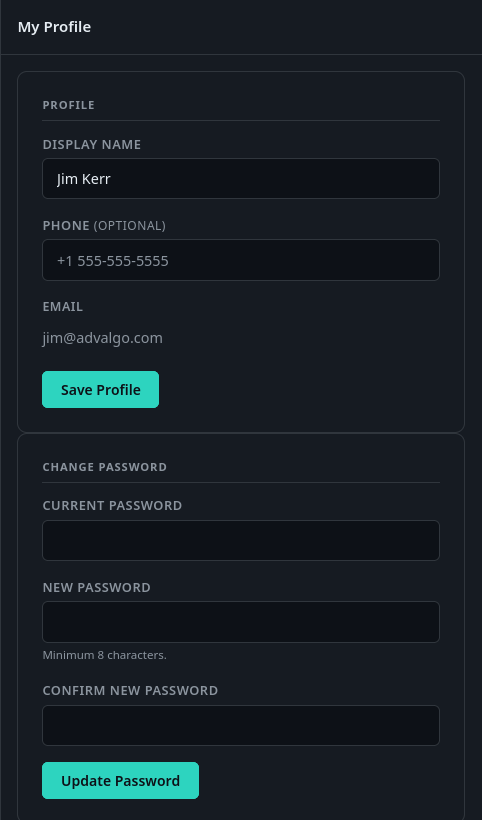
Visit your domain in a browser. The first-run screen will prompt you to create the host account and enter your server's upload speed.
8
Set up for production
Configure systemd service units so the server starts automatically on boot and survives reboots. Full instructions in
docs/install/LINUX.md.- Walk me through cloning and running the ArcingTime Meetings installer on Rocky Linux 9 step by step.
- What should I do if ./install.sh fails because Redis is not found on Rocky Linux 9?
- How do I create a systemd service to auto-start the ArcingTime Meetings Daphne and LiveKit processes on boot?
- How do I configure Apache as a reverse proxy for a Daphne ASGI server and LiveKit WebSockets on Rocky Linux 9?
- What does the first-run setup screen ask for, and what values should I enter for a home server install?